Creating a productive home workspace is essential for anyone working remotely or spending significant time on personal projects. A well-designed environment can enhance focus, reduce distractions, and promote well-being. Whether you have a dedicated room or a small corner, these tips will help you set up a workspace that supports your productivity and comfort.
Choose the Right Location
The first step is finding the best spot for your workspace.
– Quiet and Low-Traffic Area: Select a place where noise and interruptions are minimal. This helps maintain concentration and reduces stress.
– Good Lighting: Natural light is ideal as it improves mood and alertness. Position your desk near a window if possible. If not, invest in quality artificial lighting.
– Comfortable Temperature and Ventilation: Make sure the area is well-ventilated and maintains a comfortable temperature to keep you alert and comfortable throughout the day.
Invest in Ergonomic Furniture
Comfortable and supportive furniture is crucial for long hours of work.
– Ergonomic Chair: Choose a chair with adjustable height, lumbar support, and comfortable cushioning. It helps prevent back and neck pain.
– Appropriate Desk Height: Your desk should allow your arms to rest comfortably at about a 90-degree angle when typing.
– Use a Footrest: If your feet don’t touch the floor comfortably, a footrest can help improve posture and circulation.
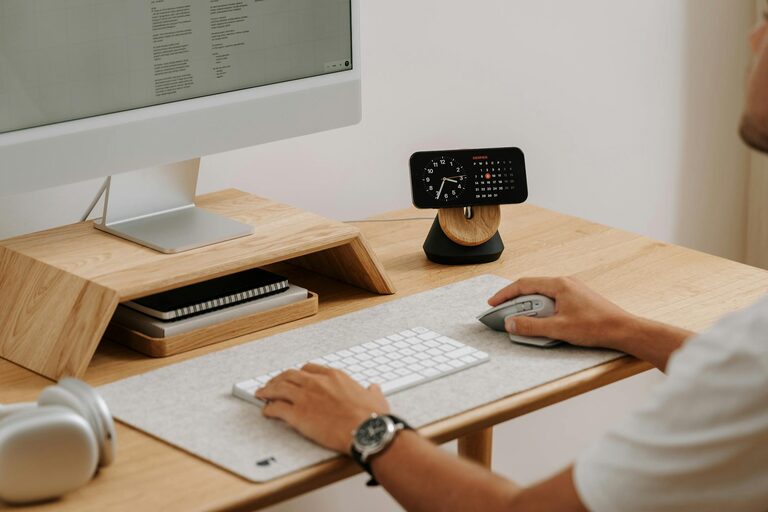
– Adjustable Monitor Stand: Place your screen at eye level to reduce strain on your neck and eyes.
Organize and Declutter Your Space
A tidy workspace helps reduce distractions and create a pleasant working atmosphere.
– Keep Only Essentials: Limit items on your desk to necessary tools such as your computer, phone, and calendar.
– Use Storage Solutions: Shelves, drawers, and organizers help keep paperwork and supplies out of sight but accessible.
– Cable Management: Use clips or sleeves to keep cables organized and prevent them from tangling.
Set Up Technology for Efficiency
Make sure your technology supports your work smoothly.
– Reliable Internet Connection: A stable and fast internet connection prevents interruptions during video calls and online work.
– Multiple Screens: Consider a second monitor to increase screen space and improve multitasking.
– Noise-Cancelling Headphones: Useful in busy households or shared spaces to minimize background noise.
– Essential Software: Keep your computer updated with relevant tools and apps to boost efficiency.
Create a Routine and Boundaries
Maintaining clear routines helps separate work from personal life.
– Set Consistent Work Hours: Start and end your workday at the same time to build a rhythm.
– Dress for Work: Changing into work clothes can psychologically prepare you for a productive day.
– Take Regular Breaks: Short breaks every hour can help prevent burnout and maintain focus.
– Communicate Boundaries: Inform family or housemates about your work schedule to minimize interruptions.
Personalize Your Workspace
Adding personal touches can make your workspace inviting and motivating.
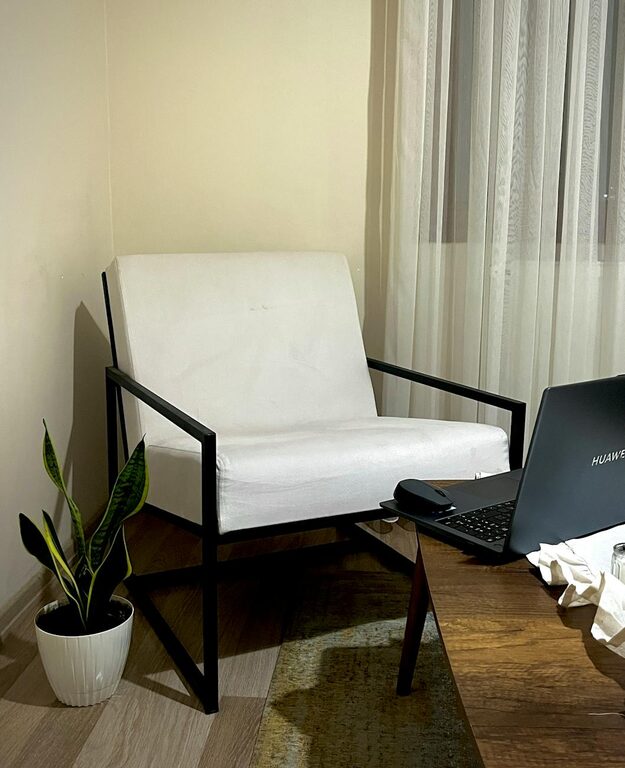
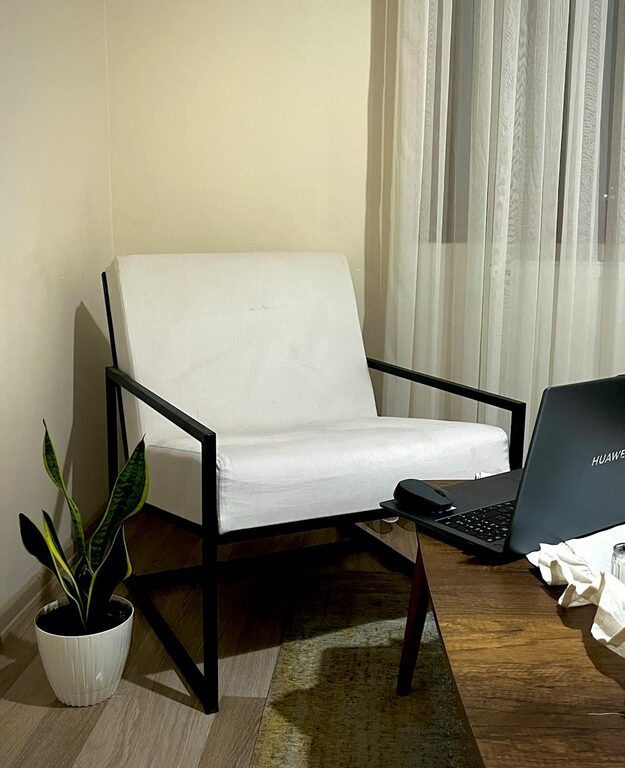
– Inspiring Decor: Use artwork, plants, or motivational quotes to create an upbeat atmosphere.
– Comfort Items: A cozy throw blanket or a desk fan can enhance comfort.
– Adjust Lighting Mood: Consider adjustable lamps or smart bulbs that can change brightness and color temperature.
Promote Good Habits
Alongside the physical setup, develop habits that boost productivity.
– Prioritize Tasks: Use to-do lists or digital planners to organize your day.
– Limit Distracting Devices: Keep your phone on silent or in another room during focused work.
– Stay Hydrated and Eat Healthily: Keep a water bottle nearby and plan balanced snacks to maintain energy.
– Incorporate Movement: Stretch or take brief walks to reduce stiffness and increase circulation.
Regularly Reassess Your Workspace
Your needs may change over time, so it’s important to adjust your workspace.
– Evaluate Comfort: Check if your chair or desk needs upgrading.
– Update Technology: Replace or upgrade devices that slow you down.
– Change Layout: Rearranging furniture or trying new organization systems can keep your workspace fresh and inspiring.
—
Creating a productive home workspace involves thoughtful choices that balance comfort, functionality, and inspiration. By applying these tips, you’ll set up an environment that supports your work goals and well-being. Remember, a functional workspace is a personal one—tailor it to suit your specific needs and preferences for the best results.